
What You Will Learn in This Article:
- How to pay with your smartphone or IC cards across Japan
- How to easily rent bikes in major cities and tourist hubs
- Where and how to connect to Wi-Fi or mobile data while traveling
- Challenges you might face as a foreigner and how to overcome them
- Actionable tools, apps, and real-world advice to move around stress-free
Hook: Why This Matters More Than Ever
Japan is famously efficient, but for first-time visitors or new residents, it can feel like stepping into the future—if you know how to access it.
Whether you’re:
- Trying to pay for lunch without coins,
- Looking for a bike to explore Kyoto,
- Or desperately needing Wi-Fi to post your Tokyo Tower selfie,
you’ll need to master a few essential tools to make navigating Japan like a local easy.
This guide breaks down how to go fully digital in Japan—from tapping to pay, to unlocking a rental bike, to staying connected wherever you go.
Going Cashless in Japan: Easier Than Ever
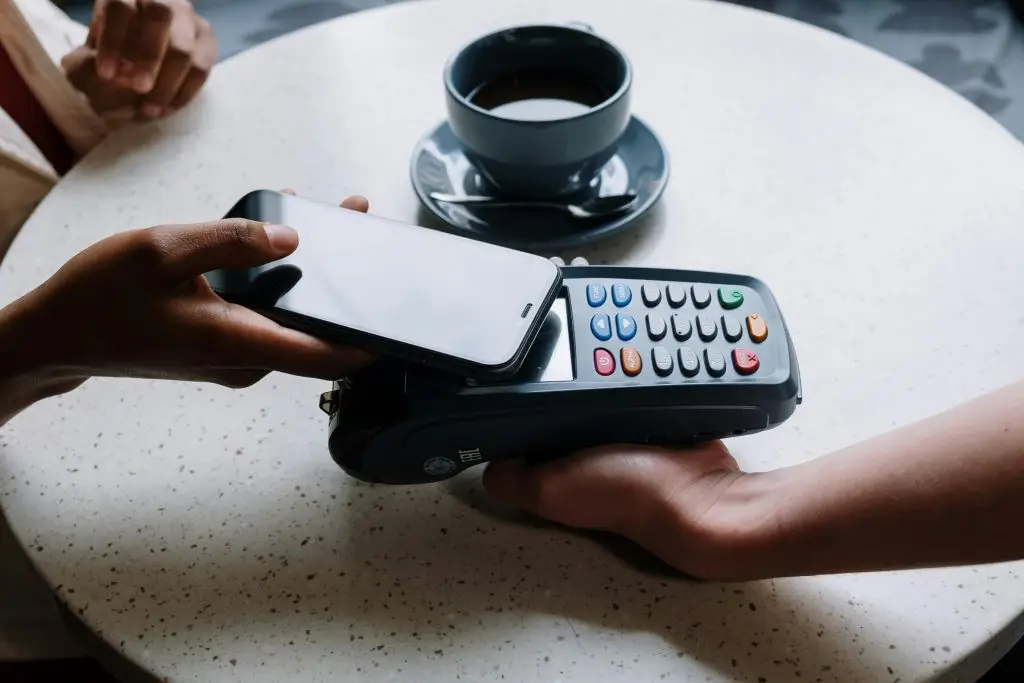
Japan was once a famously cash-heavy society, but that’s changed rapidly in recent years. Now, cashless payments are widely accepted—especially in urban areas.
Popular Cashless Options in Japan:
- IC Cards (Suica, PASMO, ICOCA, etc.)
- Prepaid transit cards accepted at most convenience stores, vending machines, and some restaurants.
- Just tap and go—can be loaded with cash or connected to Apple Pay/Suica.
- QR Code Payments
- PayPay, LINE Pay, Rakuten Pay are Japan’s go-to apps.
- Especially useful in cafes, markets, or smaller shops.
- Credit/Debit Cards
- Visa and Mastercard are widely accepted, but AmEx and Discover less so.
- Some rural areas and mom-and-pop shops still prefer cash.
Pro Tip: Get a Welcome Suica card at Narita or Haneda Airport—it’s foreigner-friendly and doesn’t require a deposit.
Renting Bikes in Japan: Scenic, Cheap, and Smart
Japan is bike-friendly, and renting a bicycle is a great way to explore the country at your own pace.
Where to Rent:
- Bike Share Services:
- Docomo Bike Share (Tokyo, Yokohama, Osaka)
- HELLO CYCLING (nationwide, including rural towns)
- LUUP (compact e-bikes and scooters in urban centers)
- Rental Shops:
- Available in tourist areas (Kyoto, Nara, Okinawa, etc.)
- Staff often speak some English and provide maps
How It Works (Bike Share Apps):
- Download the app
- Register with a credit card
- Find a bike station using the app map
- Scan the QR code to unlock your ride
- Return to any designated station
Reminder: Helmets aren’t always provided. It’s legal to ride without one in Japan, but use your best judgment.
Staying Connected: Wi-Fi and Mobile Data in Japan
Accessing reliable Wi-Fi or mobile data in Japan is a must, whether you’re navigating trains or translating kanji menus.
Free Wi-Fi Options:
- Convenience Stores (7-Eleven, FamilyMart, Lawson)
- Train Stations (JR, Metro)
- Cafes and Restaurants (Starbucks, Doutor, etc.)
- Tourist Hotspots (airports, shrines, city centers)
Pocket Wi-Fi and SIM Cards:
For stable, always-on connection:
- Pocket Wi-Fi
- Rentable at airports or online
- Connect multiple devices
- Great for groups or digital nomads
- Prepaid SIM Cards
- Available at airports, Bic Camera, and online
- Requires unlocked phone
- Providers: Sakura Mobile, Mobal, IIJmio
Tip: Use apps like Japan Wi-Fi auto-connect to quickly join free networks without logging in each time.
Common Challenges (and How to Beat Them)
| Problem | Solution |
|---|---|
| Some rural shops only accept cash | Always keep ~¥5,000 in coins as backup |
| Bike app is only in Japanese | Use Google Translate’s camera function |
| Wi-Fi login requires Japanese phone number | Use passport login or rent pocket Wi-Fi |
| QR payment not accepted at tourist spots | Use Suica or cash as your fallback |
Case Study: First-Time Visitor Goes Fully Digital
Name: Sofia from Spain
Trip: 14 days from Tokyo to Hiroshima
Strategy:
- Got a Welcome Suica card on Day 1
- Used HELLO CYCLING to explore Kyoto’s Arashiyama
- Stayed connected with a Mobal SIM (5GB for 15 days)
- Used PayPay at local izakayas and bakeries
“Japan felt like the future once I figured out the tech. No cash, no stress, and I didn’t get lost once – navigating Japan was easy!”
Action Steps: How to Navigate Japan Like a Local
- Download the Right Apps Before You Land
- Google Maps
- Suica or PASMO app
- Bike share apps (HELLO CYCLING, LUUP)
- Japan Wi-Fi Auto-connect
- Set Up Digital Payments
- Link a credit card to Apple Pay + Suica
- Get PayPay for smaller stores
- Choose Your Connectivity
- Rent pocket Wi-Fi or buy a SIM card at the airport
- Try a Bike Ride in Kyoto, Tokyo, or Nara
- Scenic, healthy, and budget-friendly
- Need help with tech setup or SIM pickup?
Our team can help you navigate Japan digitally, from app setup to airport SIM pickup. Contact us here for help with SIM cards!
Final Thoughts
Japan’s charm lies in its blend of tradition and innovation—and with the right tools, your trip can be smooth, modern, and unforgettable.
From cashless payments to bike rides in ancient cities to seamless Wi-Fi access, navigating Japan in 2025 is easier than ever—if you know where to start.
Contact us now if you need further guidance on cashless payments in Japan!
Disclaimer
This article is for informational purposes only. Service availability and app functionality may vary by region and time. Always check with official providers for the most up-to-date information.